
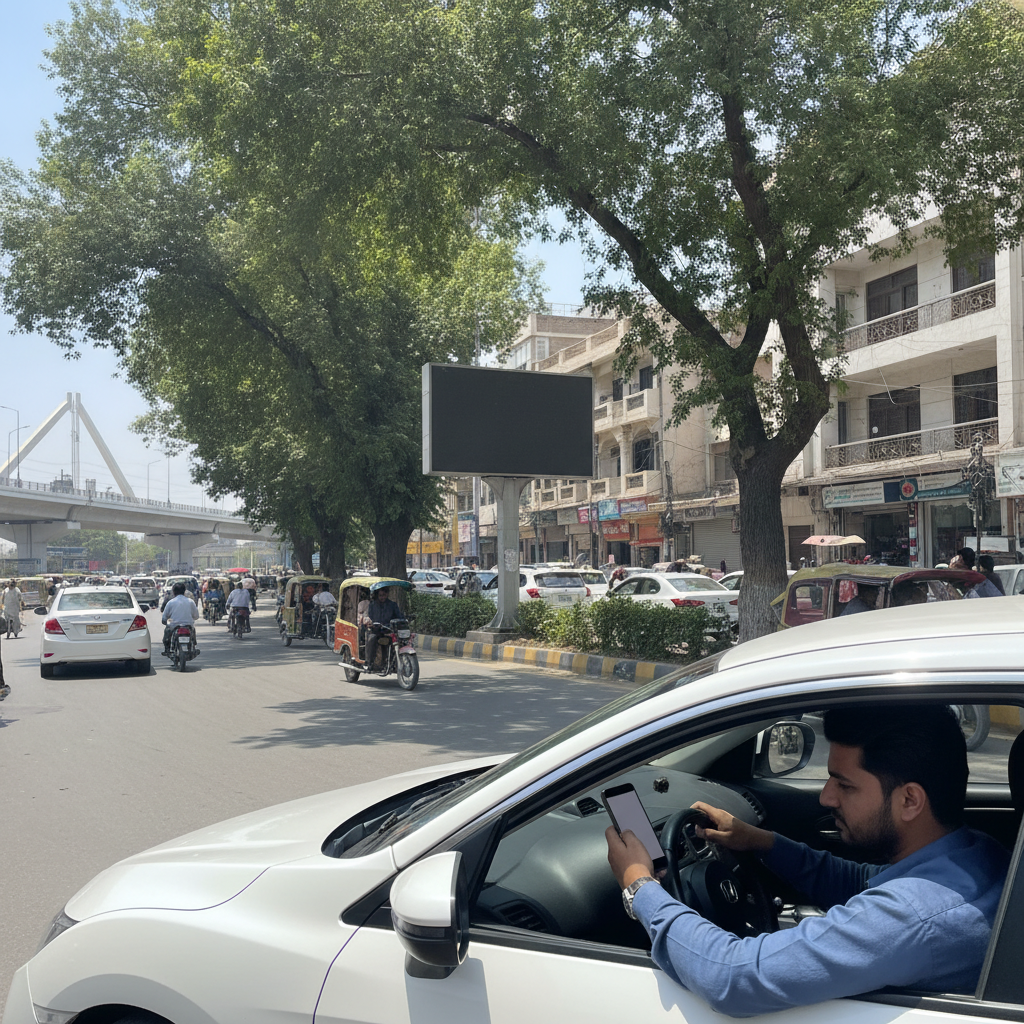

How to Check Your Punjab E-Challan Online Through the PSCA Public Safety App
Not many drivers are aware of a traffic fine until they receive the notice or until a transfer becomes stuck. Now, Punjab Police has reminded the citizens that e challan can be viewed from their mobiles without going to the traffic office. Here is how it works.
What news did Punjab Police give?
In a post on X, Punjab Police urged people to visit the Punjab Safe Cities Authority (PSCA) Public Safety App to verify e-challans. It is now easier to check the e-challan of a vehicle, police said. Now, people no longer have to visit the traffic police station and just check if there is a challan.
To verify an E-Challan on the Application, follow the steps below:
1. Download the app: Go to Google Play Store or Apple App Store to look for the PSCA – Public Safety app. Ensure that the publisher is “Punjab Safe Cities Authority”.
2. Open the app: With regards to services provided on the home screen you can access services such as traffic e-challans and emergency complaints.
3. Tap “Search Challan.” It’s the suggested choice of police.
4. Enter your details: Guides mention the registration number of the vehicle/CNIC. Do what the App is directing you to do.
5. Check the result: The app displays the list of e-challans already linked to that.
What other features can the App be extended to provide?
Apart from challans it provides emergency assistance like Emergency 15, complaint management. According to third-party guides, if the user does so, then they can also download and process the challans from the mobile app. Storage method: The app uses the same PSCA records as the website.
What If You Think a Challan Is Wrong?
PSCA has made an online review facility available to those who think a challan is issued incorrectly. Quickly request a review if a record appears incorrect, and use photos and paperwork of yourself in this case. Visit the PSCA site or mobile application to find out what steps are in the review process.
Does it work out of the city of Lahore?
According to one guide, irrespective of where you use the app, the E-Challan check is available for any vehicle registered in Punjab. The emergency complaint feature relies on the Safe Cities network of Punjab, which has been expanded to include major cities such as Lahore, Rawalpindi, Multan and Faisalabad.
Why Should Car Buyers Check Before Paying?
When you purchase a used car, request the registration number, verify it yourself as well as ask the seller to settle any balances before payment.
Conclusion
Access to e-challans systems for Punjab has been streamlined into a few taps on your phone. Install the PSCA Public Safety App before purchasing, selling or trading in a vehicle and make it a practice for use with your own vehicle.
Related reading on FameWheels
- _How to Sell Your Car Online in Pakistan_ A Step-by-Step Guide
- More than 10,000 Vehicles received Challans for emitting smoke in Lahore
- E-Challan Begins Through Safe City Cameras for Littering From Cars